Rival Stars Horse Racing VR Edition
Raise, care for, and bond with your dream horses on a scenic ranch, then experience the thrill of the race track and the joy of horse riding!

Raise, care for, and bond with your dream horses on a scenic ranch, then experience the thrill of the race track and the joy of horse riding!

About the game
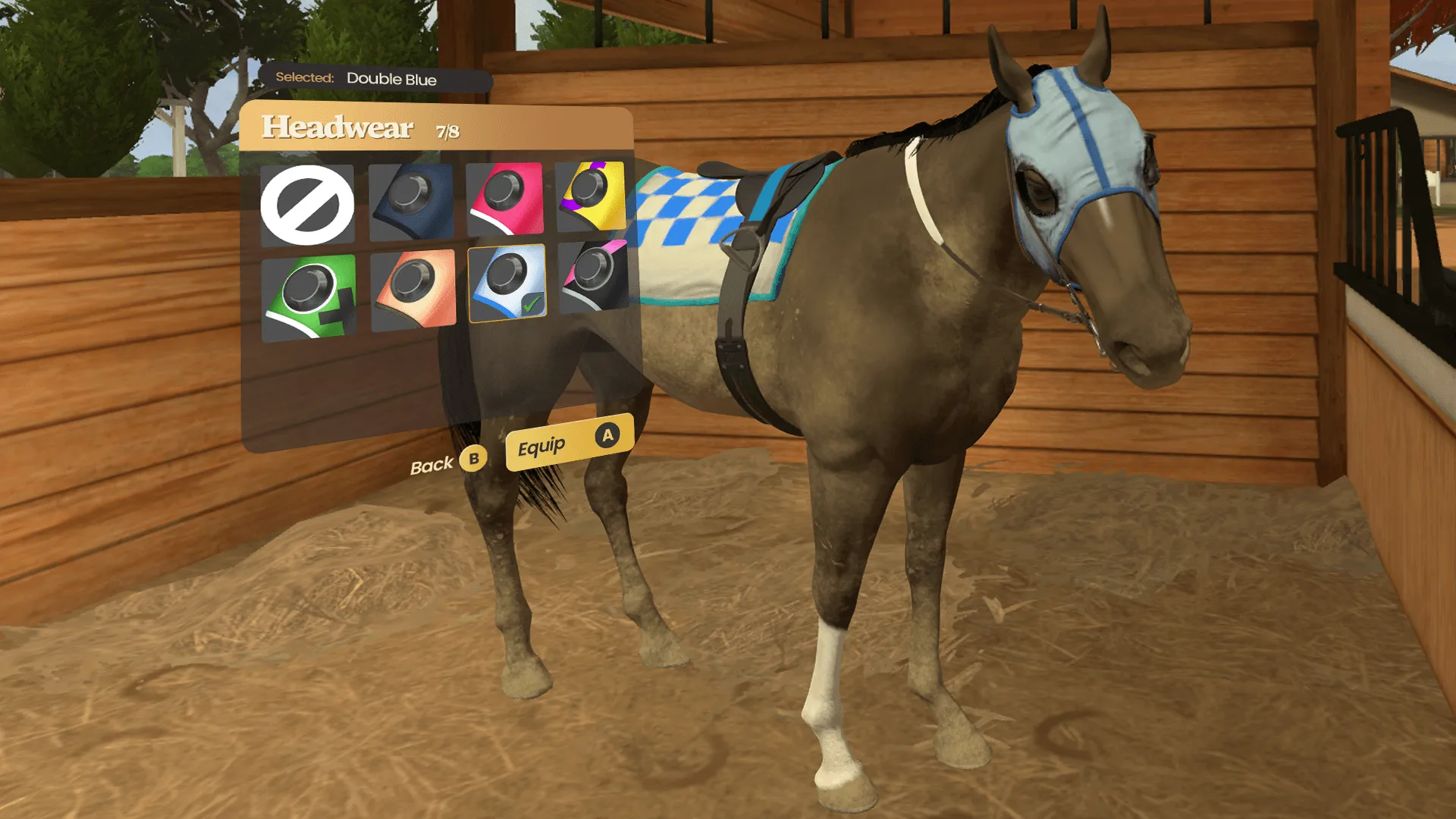
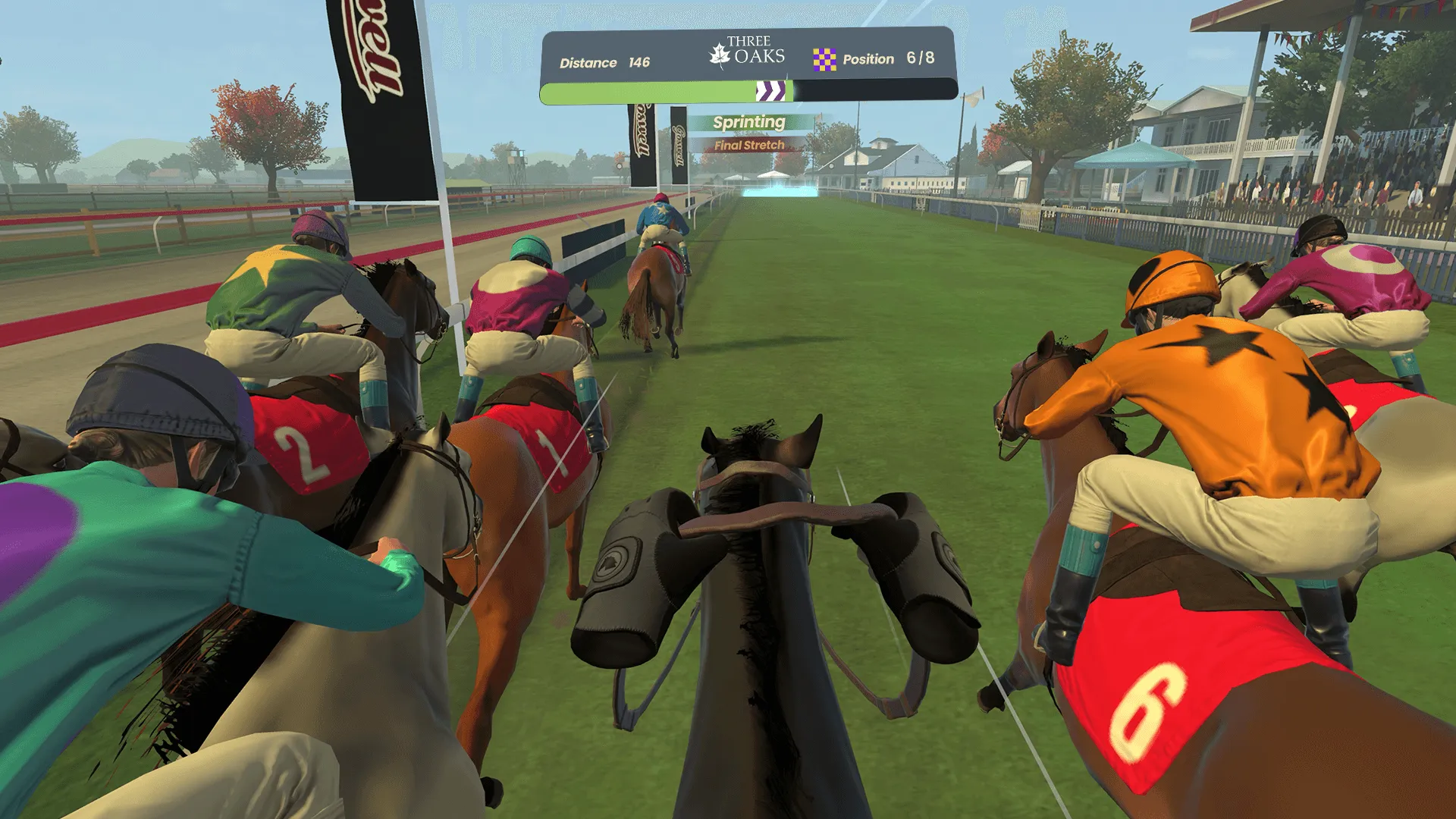
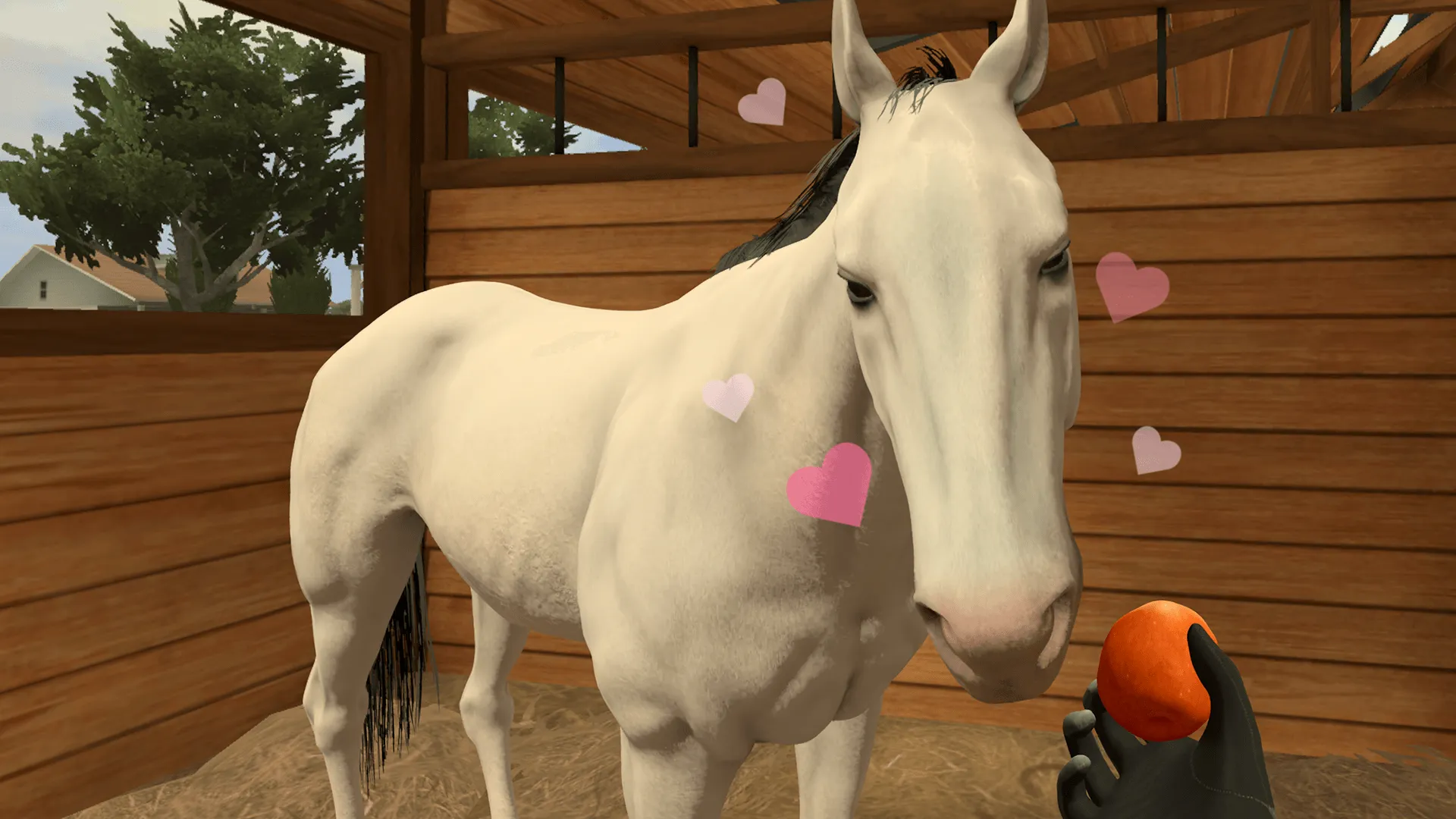
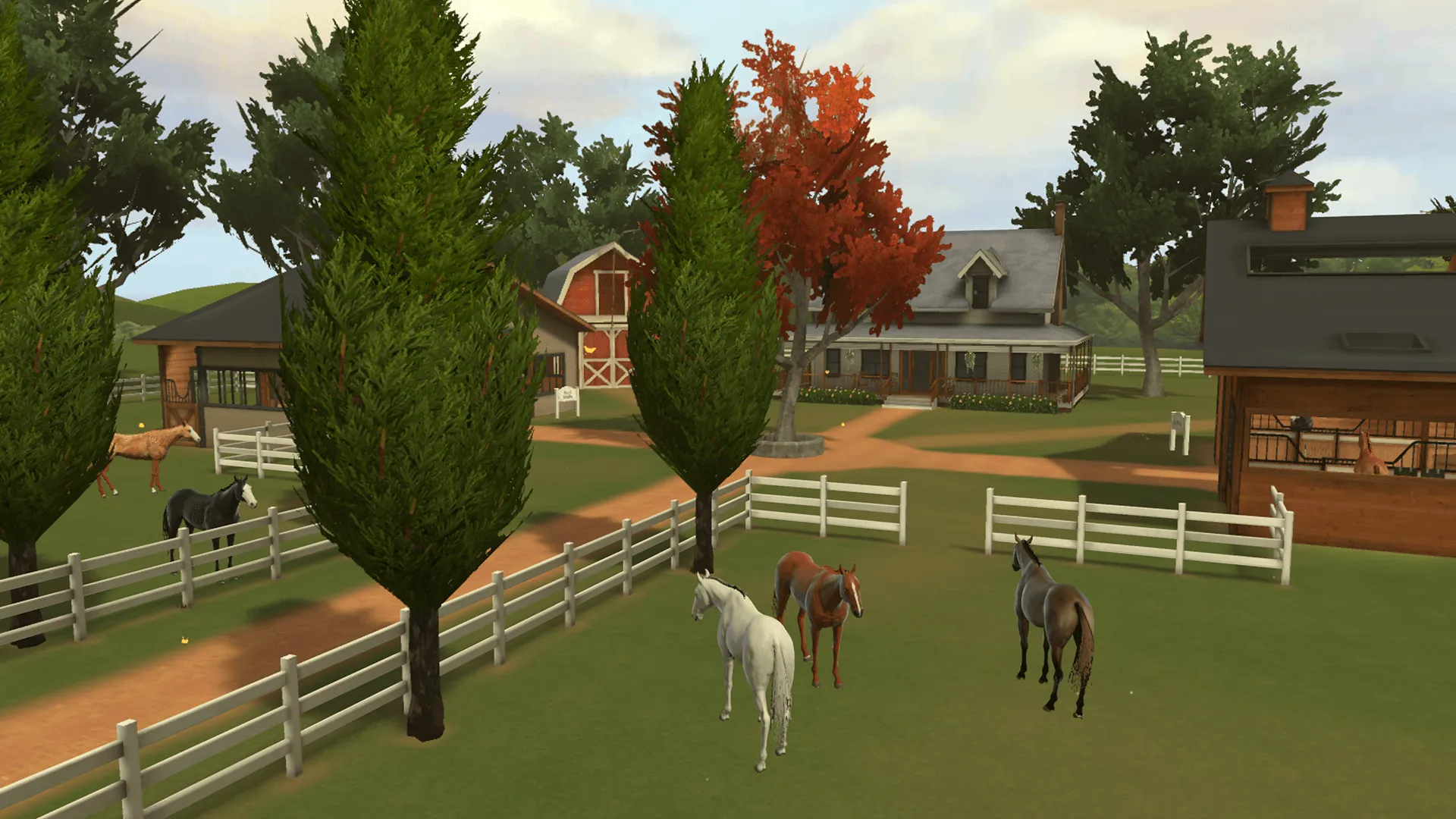
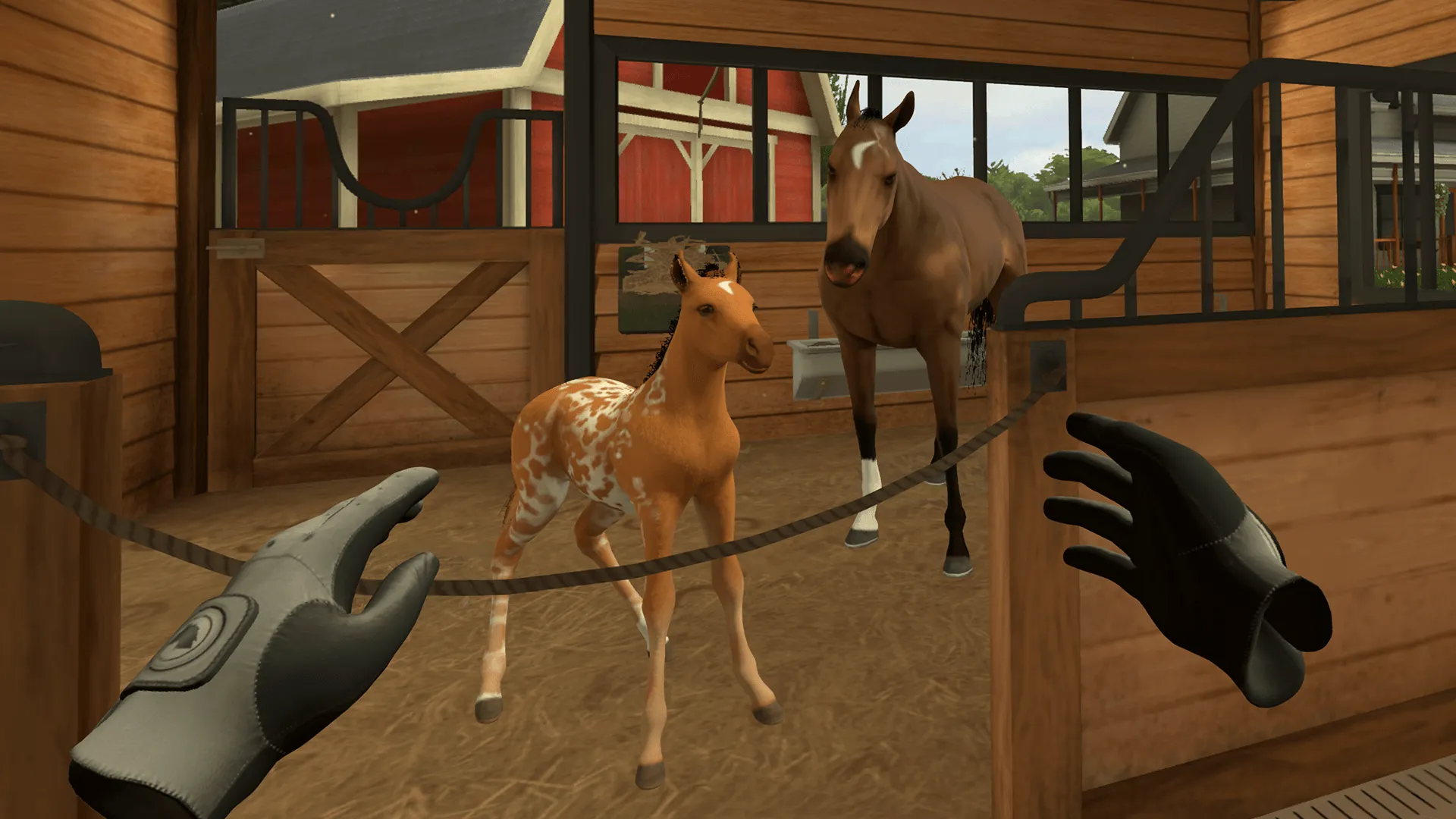
Immerse yourself in a scenic horse ranch to experience the joy and pride of caring for a world-class stable of horses in Rival Stars Horse Racing: VR Edition. With the help of a friendly mentor, you’ll raise charming foals, care for and train a stable of unique horses, and compete to become a champion racer and rider. Being an equestrian is about so much more than winning the next race. Get to know your horses and form close bonds through realistic and fulfilling interactions. Feed your horses their favorite treats, keep them well-groomed, and give them a scratch in just the right spot to see them stretch out their necks in delight!
Official store
Trusted. Transparent. Reliable.
Secure payment
Only verified payments methods
To activate a CD key on Steam, follow these steps:
i. Launch the Steam client on your computer and log into your Steam account. If you don't have Steam installed, you can download and install it from the official Steam website.
ii. Click the Games menu option at the top of the Steam client.
iii. Select Activate a Product on Steam.
iv. Follow the onscreen instructions to complete the process.
v. Once the game appears in your library, download and install it by clicking on it and selecting the Install button.
If you encounter any issues during activation, please see this Retail CD Keys article for more info. If problems persist, you may contact Xsolla Customer Support at Xsolla Help Center.
Interface: English, French, German, Spanish - Spain, Japanese
Full Audio: N/A
Subtitles: N/A
If you have any issues with your purchase, please email us at support@xsolla.com or simply click on the customer support button located on the bottom left of the homepage to start a live chat. In rare cases, it may take up to a few minutes for emails from Xsolla Mall to deliver.